Every Way to Get 512GB of VRAM for Local AI (and Why the Number Is a Trap)
There is a specific kind of despair that arrives at 1 a.m., somewhere between a Reddit thread and a model card: someone says the model fits in 512GB, someone else says you cannot use it at full context, and a third person mentions bytes per token like it is obvious. So you close the tabs and go to sleep, still not knowing what to buy.
Here is the short version. 512GB is not a memory target. It is a rumour that survived contact with the wrong benchmark. The memory you actually need is a function of three things: the model weights, the KV cache — the notes a model leaves for every token it reads — and whether anyone ever told you that those notes can differ by a factor of a hundred between models of the same size.
This article works through the routes people are actually buying in late 2026, what they cost, how fast they really run, and the uncomfortable economics of running your own half-terabyte box instead of calling an API.
Most of the hard numbers here come from Kai's 22-minute breakdown, Every Way to Get 512GB of VRAM for Local AI (at Full Context) (17 October 2026). Where a figure is an owner's measurement or a price that moved, it is labelled as such — because the last thing this topic needs is another confident number with no provenance.
Why everyone is shopping for 512GB
The folklore formed around one model. When Meta shipped an 816-billion-parameter model, the message accompanying it was that it runs well on new Mac Studios — specifically, the model card named two Mac Studios with the M5 Ultra, and specifically the 512GB versions.
That machine is not on sale yet. At the time of the video the store page said "late October" with no price attached. So the entire shopping list rests on a configuration you cannot order, for a model most buyers will never run.
Meanwhile the actual downloadable sizes were being misread. One widely shared write-up described a four-GPU DeepSeek setup as having a "memory footprint of 476 gigs". An owner pointed out the obvious in the comments: 476 is the download size in binary gigabytes, not what the model occupies when you run it. Those are different numbers, and the second one is the one that decides what you buy.
The number that actually matters: bytes per token
Every token a model reads leaves a trace in memory. That trace is the KV cache, and its size per token is a property of the architecture, not of your graphics card.
| Model | KV cache per token | Cost of a full 1M-token context |
|---|---|---|
| DeepSeek V4.1 Flash | ~890 bytes | under 1 GB |
| An open 816B-class model (per the video) | ~64 KB | ~69 GB |
| GLM-5.3 (16-bit) | ~88 KB | ~94 GB |
Read those three rows again. The same million tokens costs DeepSeek less than a gigabyte and GLM closer to a hundred. The difference is architectural: DeepSeek was designed to keep that number tiny, while GLM keeps compressed notes across all 78 of its layers.
This is why "512GB or nothing" is the wrong frame. A model that fits comfortably in 33GB of weights can still demand 94GB of cache at full context, and a model twenty times larger can be cheaper per token.
The part that is not in memory at all
DeepSeek adds another wrinkle that breaks the one-number model completely. Its Engram is a 189 GiB lookup table, and the reference recipe for running DeepSeek across four compact GPUs keeps that entire table on NVMe SSDs — with an explicit instruction never to move it into RAM. It behaves like a book's index: you look up one entry at a time rather than carrying the whole book.
Strip Engram out and DeepSeek's fast-memory footprint lands around 294GB. So the model that started the 512GB shopping spree does not want 512GB. It wants about 300, plus a fast, reliable SSD.
Every route to 512GB, priced
| Route | Memory | Cost | Measured speed | The catch |
|---|---|---|---|---|
| 1× Mac Studio M5 Ultra (512GB) | 512 GB unified, ~1.2 TB/s, 80-core GPU | price not announced | not yet measured | Not orderable; macOS caps the GPU near 75% |
| 2× Mac Studio M5 Ultra (256GB each, TB5) | 512 GB | $18,998–$21,598 | not published | Two boxes, one model split, one reboot from losing the setting |
| 4× DGX Spark | 512 GB | $27,800 ($6,950 each) | 87.7 tok/s single user; ~5,000 tok/s prefill; 342.7 tok/s across 16 users | Cluster tuning; keep allocation below 92% |
| 4× RTX PRO 6000 Blackwell Max-Q | 384 GB | $64,000 ($16,000 each); $9.96/hr rented | 249.1 tok/s; 17,982 tok/s prefill | Less memory than 512 — and for DeepSeek it does not matter |
| Dual EPYC DDR5 build | 512 GB | $31,200 for the RAM alone | 68 tok/s (original build) | CPU memory bandwidth; slow prompt reads |
| 16× AMD MI50 32GB | 512 GB | ~$2,900–$7,400 used | 12.2 tok/s, ~200 tok/s prefill | Two machines, 10GbE, and a lot of waiting |
| 2× Strix Halo mini PC (128GB) | 256 GB | $7,758 | 14–15 tok/s, ~430 tok/s prefill | Half the memory, quarter of the price |
Two of those rows deserve a longer look, because they are where most people's decision actually happens.
The Mac route: excellent silicon, awkward software
On paper a 512GB Mac Studio is the most elegant answer available: one box, one power cable, 1.2 TB/s of unified memory. In practice macOS hands the GPU roughly 75% of system memory by default — 384GB on a 512GB machine — and the models people want do not fit inside that. A 4-bit GLM-5.3 build is around 435GB; the open 816B-class model lands near 471GB. Both require raising the limit manually with a terminal command, and that limit resets on every restart. One accidental reboot puts you back to a setup that will not load the model.
If you want this option today, the orderable path is two 256GB M5 Ultras joined over Thunderbolt 5, splitting one model between them. It is real, it works, and it costs roughly nineteen to twenty-one thousand dollars.
The DGX Spark route: the one that is running today
Four DGX Sparks, $6,950 each, is the configuration that is actually serving DeepSeek V4.1 Flash at the full million-token context today, with an 8M-token cache pool on top. The measured figures: 87.7 tok/s to a single user, about 5,000 tok/s of prompt prefill, and 342.7 tok/s across sixteen concurrent users. One operational note matters more than the benchmarks — keep memory allocation under 92%, or the cluster starts misbehaving at exactly the moment it is most valuable.
There is also a pricing trap worth naming: eight of the newer 64GB Spark units at $4,999 gives you the same 512GB for $39,992 — twelve thousand dollars more than four of the older units for the identical capacity.
The "cheap 512" routes: you pay in time
Two MI50s build-outs and Strix Halo mini PCs prove that half a terabyte is not exclusively a luxury good. They also demonstrate the exchange rate.
Sixteen used MI50s (32GB each, ~$180–$460 per card) across two machines linked by 10-gigabit Ethernet will run a 4-bit GLM-5.2 at 12.2 tok/s with roughly 200 tok/s of prefill. A 128,000-token prompt takes about eleven minutes to read. A full million takes close to an hour and a half. That is not fast — but it is also not twenty-seven thousand dollars.
Two 128GB Strix Halo mini PCs (~$7,758 for both, 256GB total) run a 2-bit DeepSeek V4.1 Flash at 14–15 tok/s with prompt reads around 430 tok/s. Half the memory, a quarter of the money, and a workflow that expects you to make coffee between sessions.
A GPU you may already own fits the same logic. An owner running an older DeepSeek build on an RTX 5090 with desktop DDR5 waited forty minutes and thirty seconds for a 500,000-token prompt to load. The same session's cached follow-up took 3.9 seconds. It works; the first load is the punishment.
Where 512GB stops being enough
Two models from the video's own examples do not fit in 512GB at full context, even before the operating system takes its share: a 4-bit GLM-5.3 build at 523 GiB with full context, and the 816B-class open model at 535 GiB. If either is your target, the answer is not "buy 512", it is "buy 1TB, or change models, or accept a smaller context".
That last option is the one nobody prices. A model running at 128K tokens of context is often indistinguishable from the same model at a million for real work — and it will run on hardware an order of magnitude cheaper.
The tax hidden in KV compression
Compressing the KV cache is the standard trick for making long context fit. It is not free. The video cites a GLM-5.2 measurement where compression cost ten points on Terminal-Bench — 70.8% versus 81%.
Ten points of agentic capability is a different machine, not a tuning detail. If you compress to fit, measure the model before and after on something you actually care about, rather than assuming the compression is transparent.
Prefill, decode, and the number that decides whether you enjoy using it
Two speeds matter and they are routinely conflated:
- Prefill is how fast the machine reads your prompt. It sets the wait before the first token.
- Decode is how fast it writes back. It sets whether the experience feels like a conversation.
Four DGX Sparks read at ~5,000 tok/s and write at 87.7; four RTX PRO 6000s read at 17,982 tok/s and write at 249.1, so a million-token prompt is read in about a minute. That is why a 384GB card cluster can beat a 512GB one on the thing you notice: time to first token. And it is why prompt caching is not a nicety — a cached follow-up at 3.9 seconds versus 40 minutes changes what work you are willing to do.
Local versus API: the arithmetic nobody wants to run
DeepSeek V4.1 Flash is priced at $0.15 per million input tokens and $0.60 per million output tokens (off-peak). Put that next to a $27,800 four-Spark cluster:
- One user, flat out at 87.7 tok/s writes about 2.77 billion tokens a year. At DeepSeek's rates that is $1,659 of API calls. Against $27,800 of hardware plus roughly $1,122 a year in electricity, the payback period is close to 17 years.
- Sixteen busy sessions, running constantly, would cost about $6,485 a year via API. Now the same hardware pays back in about 4.3 years.
The hardware earns its keep when it is private and busy at the same time. If you are running one local session a day for experiments, the API is dramatically cheaper and you should not feel bad about it. If you are running sixteen concurrent automated workloads where data cannot leave the building, the box starts to make sense — and note how much of that case is privacy, not price.
So what should you actually buy?
Work backwards from the model, never forwards from the capacity.
- Pick the model, then read its model card. Find KV bytes per token, then compute weights plus cache at your real context length. Most people discover they need 64–128GB, not 512.
- Decide whether you need "full context" or just "enough context". The difference between a million tokens and 128K is often tens of thousands of dollars.
- Measure prefill, not just decode. A box that answers quickly but takes forty minutes to read your prompt is not usable for iterative work.
- Check the software limits. Unified-memory machines that cap the GPU at 75% of RAM — and forget that cap on reboot — belong in your risk register, not your spec sheet.
- Model the electricity and the payback period. Hardware you rarely use fully is a subscription to your own enthusiasm.
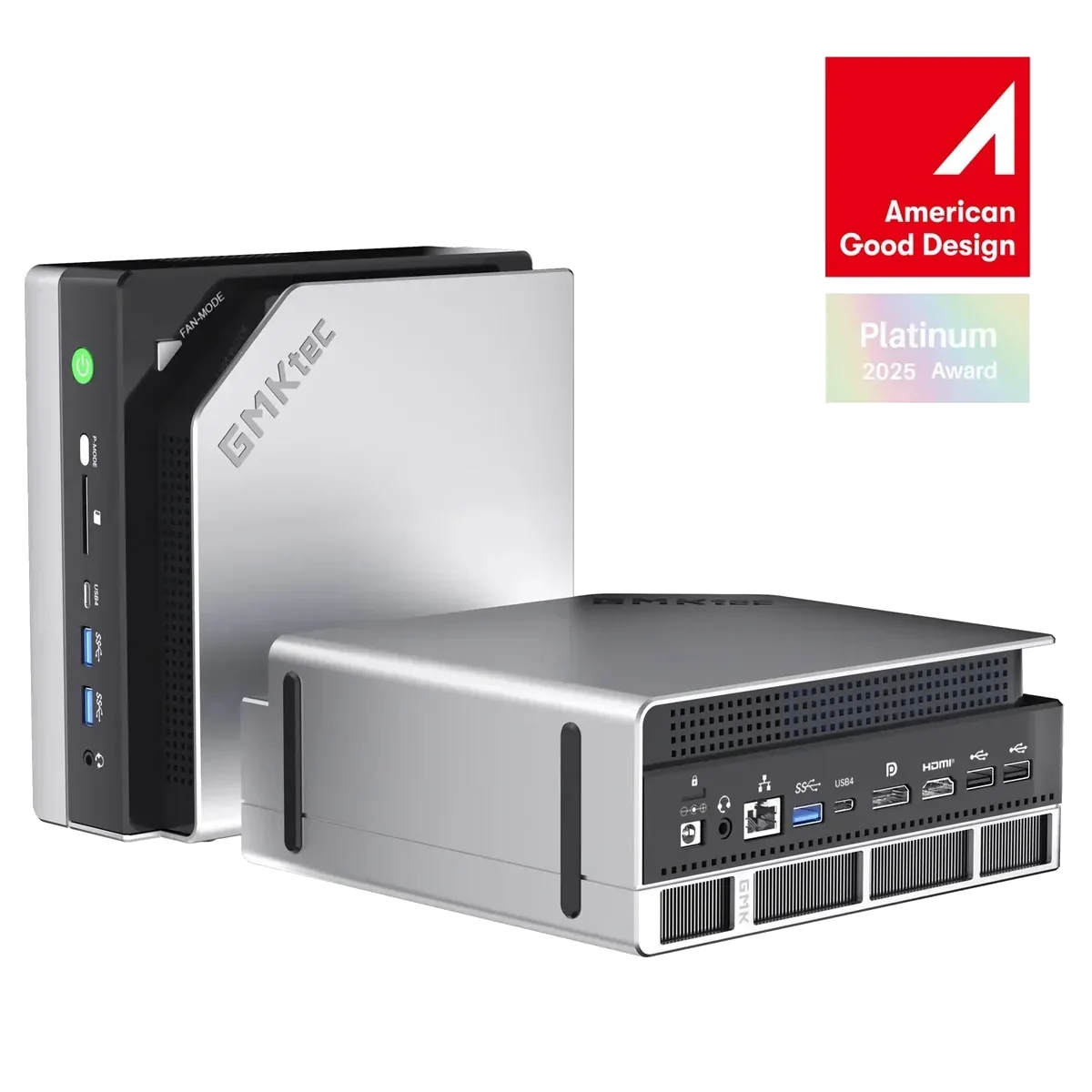
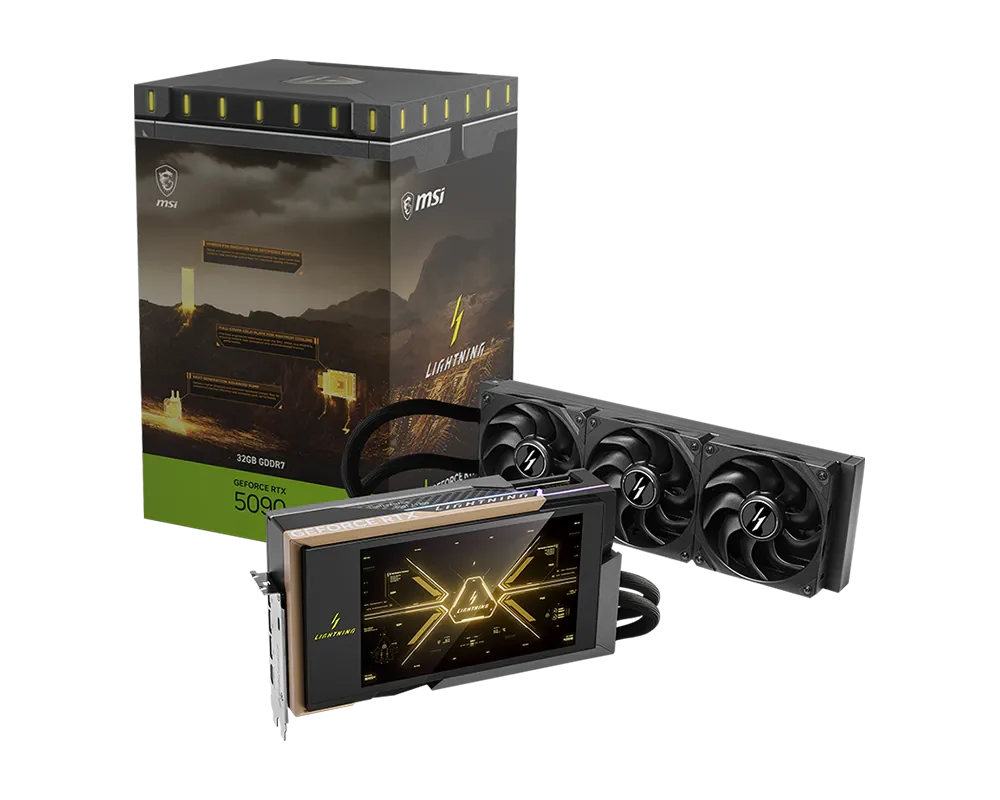
If your target is a 24–32GB accelerator for quantised models up to roughly the 70B class, that is the well-trodden path, and our RTX 5090 32GB and RTX 4090 24GB listings are aimed at exactly that job. If you want a low-power box that sits in the "cheap 512" tradition, a Strix Halo mini PC such as the GMKtec EVO-X2 is the honest starting point — two of them is the 256GB route described above.
Not sure which bracket you fall into? Our guide to choosing AI hardware walks through memory-per-model-size without the folklore.
FAQ
Does 512GB of VRAM let me run a 1M-token context? Only for the right model. A model with a large per-token KV cache can consume 94GB of cache at a million tokens while a more efficient architecture uses under a gigabyte.
Is the 512GB Mac Studio available? Not at the time of the source video — the store listed "late October" with no price. Two 256GB M5 Ultras over Thunderbolt 5 are the orderable equivalent today.
Why does the Mac only show three quarters of its memory? macOS caps GPU-accessible unified memory at roughly 75% by default. Raising it requires a terminal command, and the change does not survive a reboot.
Is a used-GPU build actually cheaper? Per token of context, sometimes dramatically. Per second of your time, not remotely — the cheap routes trade money for waiting.
Should I buy hardware instead of paying for API calls? At one user and casual use, no. At sixteen constantly busy sessions where the data must stay in-house, the maths flips in roughly four years.
The takeaway
The 512GB number is a symptom of the real question, which is: how many bytes does this specific model spend on every token it remembers? Answer that, and the hardware list collapses from seven options to one or two. Skip it, and you will buy half a terabyte to run a model that needed a third of it — or worse, discover on a Tuesday night that your memory allocation reset on boot and your model no longer loads.
Pick the model. Then pick the memory. In that order, the 512GB question stops being a rumour and becomes arithmetic.
Sources and verification notes
- Primary source: Every Way to Get 512GB of VRAM for Local AI (at Full Context), Kai, published 17 October 2026 (22 min). All performance figures and prices in this article originate there unless stated otherwise.
- Speeds are individual owners' measurements, not vendor averages. Treat them as indicative, not reproducible benchmarks.
- Prices were checked on 17 October 2026. Component prices in this category move weekly; verify before buying.
- The DeepSeek V4.1 Flash API rates ($0.15 input / $0.60 output per million tokens, off-peak) are taken from the video and should be confirmed against DeepSeek's current pricing.
- Product links point to our own catalogue; specifications and current prices are on each product page. We do not resell the exotic 512GB configurations discussed here, and this article is not a recommendation to buy them.
- Anything described as "not yet measured" or "price not announced" could not be verified at publication time.